設備已使用多年
舊天線、舊放大器及老化接頭常會累積損耗,即使未完全壞,也會令接收餘量越來越少。
不是每次起格都要換天線,但如果問題持續多年、設備老化,或大廈覆蓋本身偏弱,正式評估通常比反覆猜測更有效。
Not every breakup issue means you need new hardware. But if the problem is persistent, the setup is old, or the building result is weak, a proper assessment makes sense.
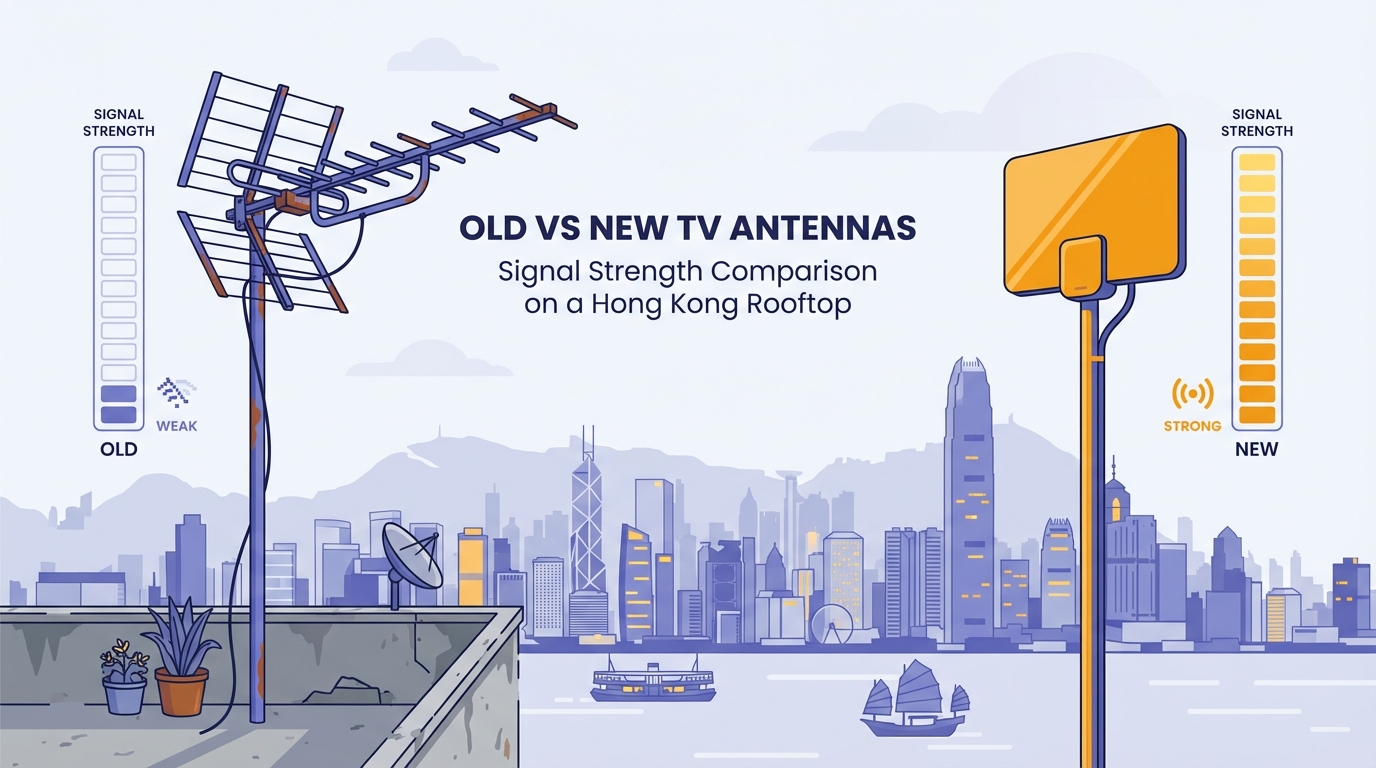
舊天線、舊放大器及老化接頭常會累積損耗,即使未完全壞,也會令接收餘量越來越少。
如果相同症狀多年反覆出現,而重新搜台與更換線材都無明顯改善,就值得評估整體接收系統。
當大廈本身屬邊緣接收,任何額外損耗都會放大問題,舊設備更可能變成瓶頸。
若本來就要重新拉線或改位,順便檢查現有天線是否仍值得保留,通常更有效率。
Old antennas, boosters, and connectors can lose enough margin over time to create recurring instability.
If the same symptoms return over months or years and basic fixes do not help, review the whole receive path.
On marginal buildings, every extra loss matters more, and ageing hardware becomes a more likely bottleneck.
If the setup is being changed anyway, it is a good moment to assess whether the existing antenna still makes sense.
若問題其實只是電視停在 HDMI 或未重新搜台,換天線不會解決真正原因。
如果只是單位內某個插座或短線老化,先處理局部線路通常更合理。
當大廈屬可接收,而設備亦不舊,問題更可能在設定、接頭或個別線路,而非天線本體。
If the real issue is a TV setting mistake, changing the antenna will not fix the actual cause.
If a single outlet or short cable is the issue, local wiring work is often more appropriate than a full antenna change.
That usually points more toward settings, connectors, or one local signal path than the antenna itself.
先查地址,再把設備年期及症狀發給 Techiteasy,更容易判斷是應先做局部維修,還是值得正式評估升級。
Search the address first, then send the equipment age and symptom summary to Techiteasy.