確認是數碼天線模式
部分電視會同時提供模擬、數碼、有線或衛星模式。請確認你正在使用正確的地面數碼模式。
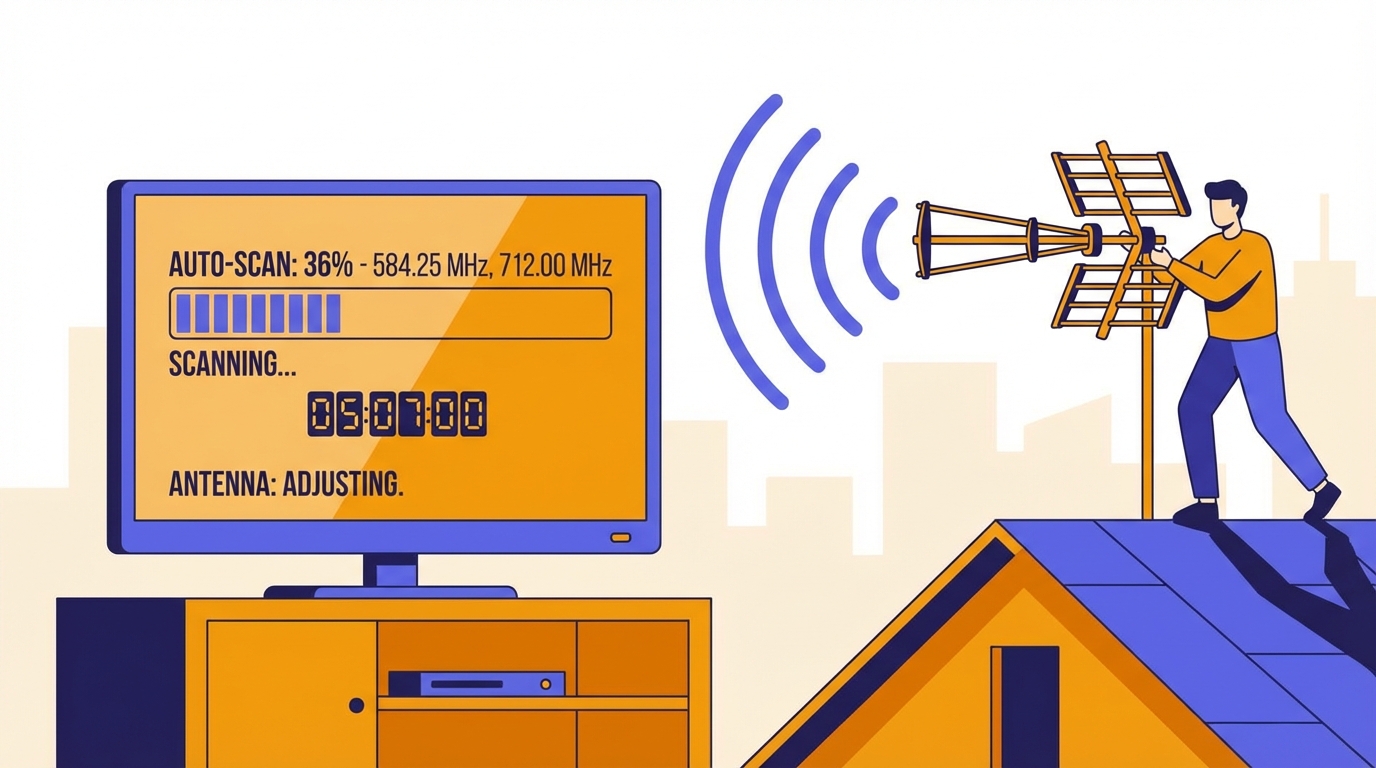
很多時不是訊號完全沒有,而是電視設定在錯誤模式、只做了快速搜台,或訊號本身太弱,導致掃描不到完整頻道表。
Often the signal is not completely absent. The TV may be in the wrong mode, only a partial scan was used, or the signal is too weak for a stable scan result.
部分電視會同時提供模擬、數碼、有線或衛星模式。請確認你正在使用正確的地面數碼模式。
快速搜台可能略過部分頻道組合。若掃描結果不完整,應改用完整自動搜台。
某些機型在多次搜台後會殘留舊設定。清除頻道清單後再重新搜台,通常更穩定。
特別是較舊型號,重開或重置設定後再掃描,有時能避開暫時性軟件錯誤。
Some TVs offer analogue, digital terrestrial, cable, and satellite modes. Make sure the scan is running in the correct terrestrial mode.
A quick scan may skip part of the lineup. A full automatic scan is safer when results look incomplete.
Some models behave better after the previous channel table is cleared before rescanning.
On older models, a restart or settings reset can remove temporary software issues before scanning again.
如果大廈本身屬邊緣接收,先檢查天線與線路,不要只重複搜台。
掃描時對訊號穩定度要求較高。鬆脫接頭或損耗過高的分線器常會令搜台失敗。
可先換另一條線或另一個插座。若其他電視正常,問題通常較接近單位內路徑或設備本身。
If the building itself is marginal, do not keep rescanning without checking the antenna and cable path.
Scanning needs stable signal. A loose connector or excessive loss in the path can easily break the scan.
Swap cables or outlets first. If other TVs work, the issue is more likely local to that room or that device.
先搜尋地址,再把「搜台後仍無頻道」情況一併發給 Techiteasy,可更快判斷是否是設定或訊號路徑問題。
Search the address first, then send the no-channels-after-scan symptom to Techiteasy for a more focused next step.