邊緣接收
如果大廈結果屬 M 類,畫面起格或聲畫不同步就會更常見,特別在天氣轉差或線路損耗較高時。
這種症狀多數不是完全收不到,而是訊號剛好不穩定。常見原因是邊緣接收、分線損耗、舊天線或單位內線路老化。
These symptoms usually mean unstable signal rather than total loss. Marginal coverage, splitter loss, old antennas, and in-flat wiring are the common causes.
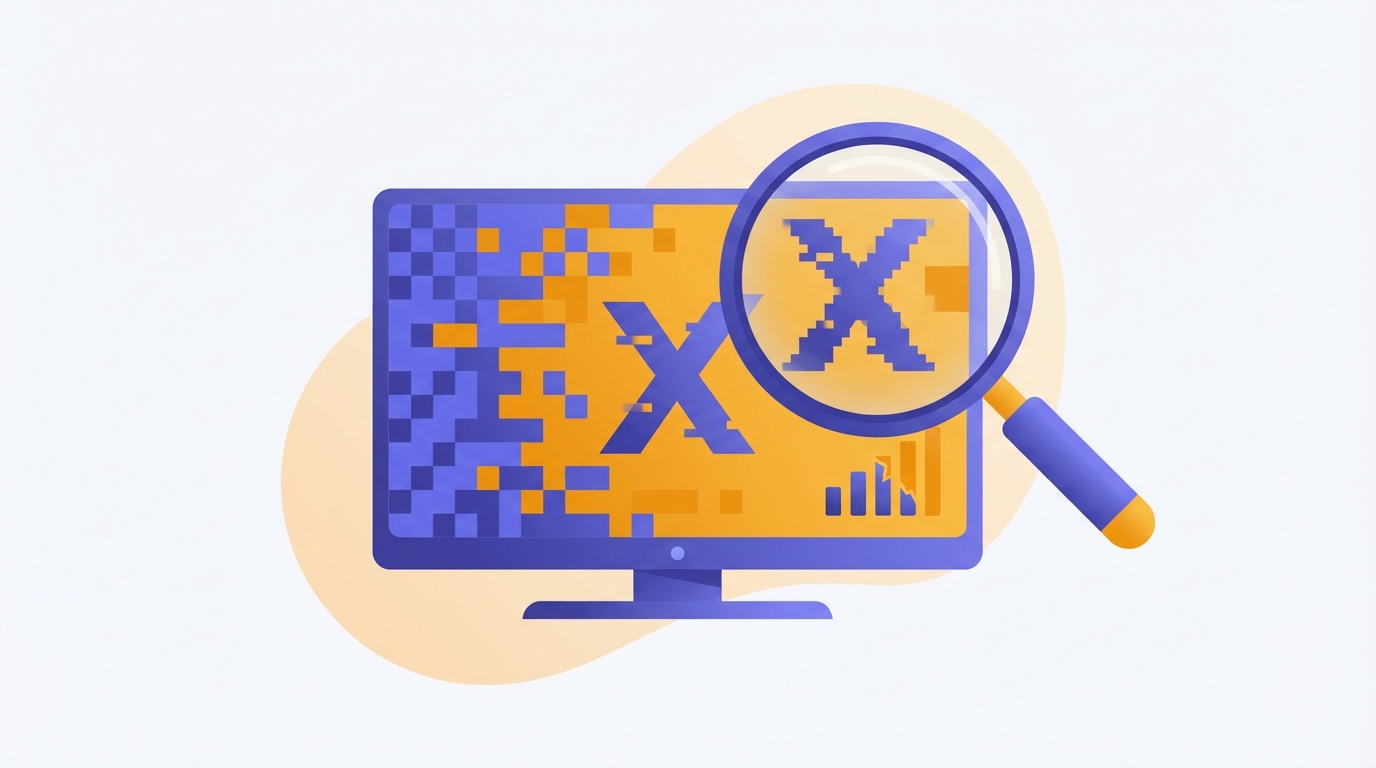
如果大廈結果屬 M 類,畫面起格或聲畫不同步就會更常見,特別在天氣轉差或線路損耗較高時。
同一條訊號分到多部電視時,分線器與接頭每多一層,訊號就可能再弱一點。
舊式設備老化後,即使不是完全失效,也可能只剩下勉強可用的狀態,令畫面容易斷續。
牆身插座、壓接頭、舊電視線或接駁器本身,都可能造成間歇性訊號下降。
If the building result is M, pixelation and audio drift become much more likely, especially when conditions worsen.
Every extra splitter, connector, and path length can reduce the usable signal level before it reaches the TV.
Aged hardware may still work, but only barely. That often shows up first as freezing or unstable picture quality.
Wall outlets, connectors, old coax cable, and joiners can all introduce intermittent loss.
先重新搜台,再留意是否所有頻道都受影響。若只影響部分組合,值得檢查天線與整體接收穩定度。
可先交換房間或線材測試。如果問題跟著位置走,多數是插座或線路;如果跟著電視走,則可能是設備本身。
這通常反映本身訊號餘量不足,而不是完全中斷。邊緣接收加上線路損耗時最容易出現。
Rescan first, then see whether the issue affects every multiplex or only part of the channel lineup.
Swap rooms or cable paths. If the problem follows the outlet, it is usually wiring. If it follows the TV, check the device itself.
That often suggests limited signal margin rather than a total outage. Marginal coverage plus cable loss is a common pattern.
先查大廈結果,再把「起格或窒聲」情況發給 Techiteasy,會更容易判斷是否需要檢查天線或室內線路。
Search the building first, then send the pixelation symptom to Techiteasy for a more focused check.