1. 檢查輸入源
確認電視不是停在 HDMI、AV 或其他外部輸入,而是正確切回天線或電視頻道模式。
最常見的原因不是大廈完全沒有覆蓋,而是輸入源錯誤、未重新搜台、接線鬆脫,或個別單位線路有問題。
The most common cause is not total building failure. It is usually the wrong input, no channel scan, a loose cable, or an in-flat wiring issue.
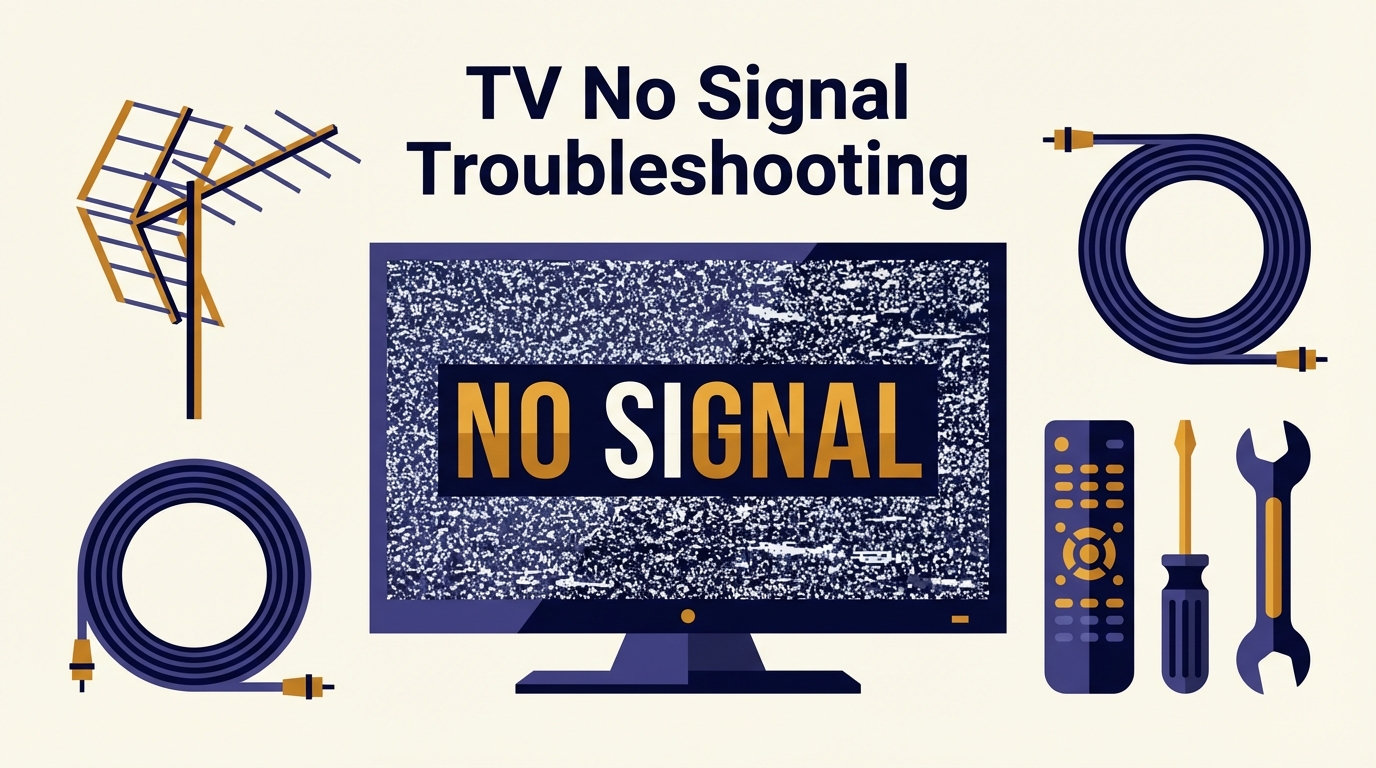
確認電視不是停在 HDMI、AV 或其他外部輸入,而是正確切回天線或電視頻道模式。
換機、搬位或重置後,舊頻道表可能失效。請執行完整自動搜台,不要只做快速搜台。
確認牆身插座、分線器及電視後方接頭沒有鬆脫,舊插頭氧化亦會導致無訊號。
先搜尋大廈結果。如果大廈本身屬邊緣接收或偏弱覆蓋,便更值得進一步檢查天線與線路。
Make sure the TV is not left on HDMI, AV, or another external input instead of antenna / TV mode.
After moving, replacing a TV, or resetting settings, the old channel table may no longer be valid.
Check the wall outlet, splitter, and TV connector. A loose or oxidized connector can be enough to produce no signal.
If the building is marginal or weak, that strengthens the case for antenna or wiring inspection.
多數是單位內插座、分線器或房間線路問題,不一定是天線總體失效。
先排除輸入源及搜台,再檢查總線路、放大器電源或大廈接收條件。
這通常更像是你單位內部線路、接頭或電視設定問題,而不是整座大廈都收不到。
That usually points to the in-flat outlet, splitter, or room cable path rather than a total antenna failure.
After checking input source and rescanning, move on to the main cable path, any booster power, or the building result.
That makes an in-flat wiring issue or local TV setting problem much more likely than a whole-building outage.
先查地址,再把結果與「無訊號」症狀一併發給 Techiteasy,可更快判斷是搜台、天線還是線路問題。
Search the address first, then send the building result together with the no-signal symptom to Techiteasy.